
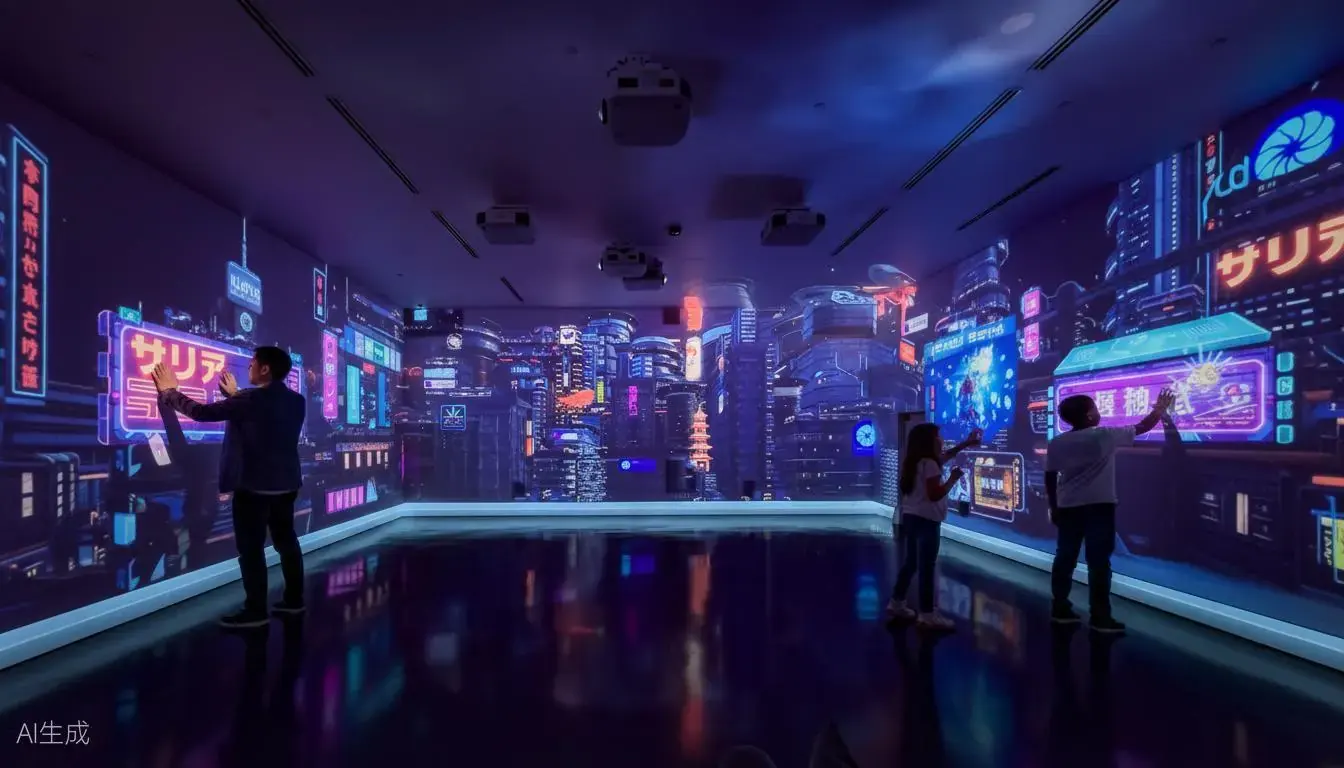
Application-first selection
Instead of choosing only by product name, project companies can start from the application: education and training, museums and exhibitions, retail and kids entertainment, immersive CAVE rooms, or OEM/ODM integration.
Products matched to real project needs
Each application page connects the required Gloview product series, related case videos, installation considerations, and typical buyer concerns such as touch accuracy, calibration, surface size, and content integration.
Product pages for this application
Related case videos and articles
Key search topics covered by this solution
- Interactive projection applications for education, training, museums, exhibitions, retail, kids spaces, and CAVE rooms
- Scenario pages that connect buyer intent with the correct Gloview product series
- Internal links to product pages and case video pages for better SEO structure
Frequently asked questions
How should I choose a Gloview product by application?
Start with the project scene, surface type, interaction method, and content requirement. Gloview can then match finger touch, palm touch, wall projection, floor projection, immersive projection, or spatial interaction modules.
Can Gloview support application-specific integration?
Yes. Gloview supports project integration, calibration guidance, OEM/ODM cooperation, and custom interactive content coordination.