
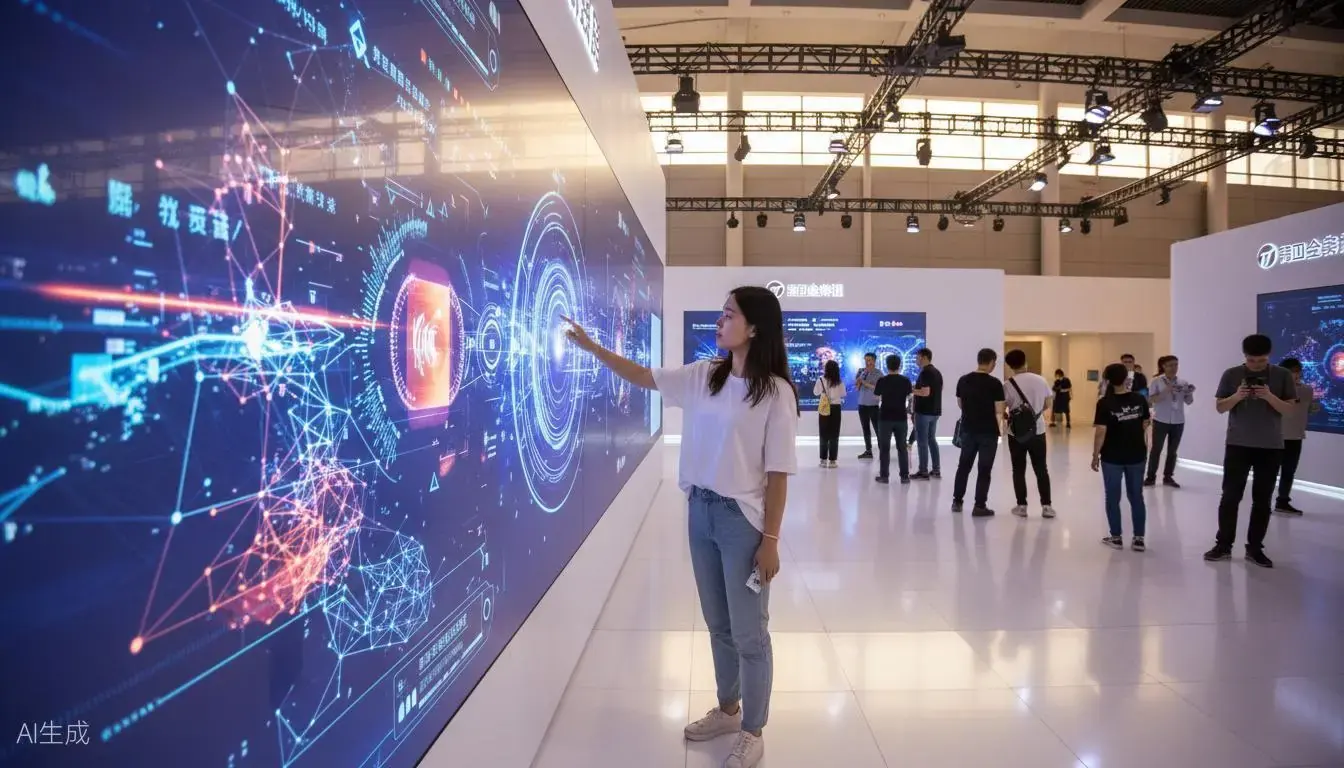
Fingertip Precision for Small On-Screen Targets
Large interactive displays often need to handle detailed input.
Knowledge icons in museums, product information buttons in showrooms and menus in educational software all depend on accurate finger positioning. This becomes particularly important when targets are small or placed close together.
The F Series is designed for precise selection, with a maximum positioning deviation of ≤5 mm under ideal conditions.
Evaluate small icons, adjacent buttons and edge-of-screen selection using your actual interface. Practical icon sizes and spacing should be established through installation, calibration and application testing.
Dragging That Follows Your Finger
When users drag an object, they expect it to keep up with their finger.
With touch latency below 30 ms, the F Series responds quickly to input. Combined with a suitable computer, application and display, it delivers a fluid dragging experience without noticeable lag, making object movement, positioning and continuous interaction feel natural.
This latency specification covers the touch system only. Overall performance also depends on computer performance, application processing and display response.
F Series in Action
Explore F Series applications in interactive signature walls, immersive classrooms and irregular-surface installations.
Interactive Signature Wall
Immersive Classroom
Irregular-Surface Interaction
30-Point Touch for Shared Interaction
The F Series supports up to 30 simultaneous touch points across the complete system, enabling compatible multi-user walls, shared teaching interfaces and interactive games.
The total remains 30 points when multiple screens and units are linked. Touch-point capacity does not multiply with the number of units.
Thirty touch points also do not automatically mean thirty participants. Participant capacity depends on how many points each person uses and how the application handles simultaneous input.
System Components and Software Connectivity
The F Series primarily consists of a laser emitter and sensor camera, working with touch software for calibration, positioning and data output.
In a projection installation:
- The projector displays the content.
- The laser emitter and sensor camera work together to detect touch positions.
- The touch software handles calibration, input processing and data output.
- The interactive application on the computer receives input and performs the corresponding selection, dragging or other supported actions.
The system communicates through HID, mouse protocol or TUIO. Choose the connection method according to the application's supported input interface.
Dragging, multi-touch and multi-user behaviour must be supported by the software. Hardware capable of detecting 30 points does not make every application capable of processing 30 independent inputs.
F Series Technical Specifications
| Interaction method | Finger touch |
|---|---|
| Simultaneous touch points | Up to 30 across the complete system, including linked configurations |
| Touch latency | <30 ms; excludes application processing and display response |
| Positioning accuracy | Maximum deviation ≤5 mm under ideal conditions |
| Multi-screen linking | Up to 6 screens |
| Maximum combined coverage | Up to 36 × 3 m with six linked units |
| Software interfaces | HID, mouse protocol and TUIO |
| Calibration | Automatic, manual and four-point calibration |
| Interference handling | Static masking, dynamic masking and reflection-point filtering |
| Sensor camera lenses | Six lens options; throw ratio range of 0.15–1.36 |
| Camera-to-computer transmission | Up to 100 m via network cable or optical fibre |
Lens specifications refer to the touch sensor camera, not the projector. The 36 × 3 m coverage figure applies to a six-unit configuration, not a single unit.
Surfaces, Installation and Calibration
Supported surface types include walls, floors, LED displays, LCD displays, curved, circular and irregular screens, glass and sand-table exhibits. The configuration must be matched to the surface characteristics, mounting positions, coverage dimensions and intended interaction.
For curved, glass or irregular surfaces, provide site photographs or drawings for an installation and calibration review. Touch compatibility and image presentation should be assessed separately; a glass installation, for example, also requires a suitable way to display the content.
Establish the display area and equipment positions before calibration. The system supports automatic, manual and four-point calibration, with static masking, dynamic masking and reflection-point filtering.
After calibration, use the actual application to check:
- Selection accuracy at the centre, edges and corners.
- Small icons and closely spaced buttons.
- Smooth, responsive dragging across the interaction area.
- Touch detection and application response during simultaneous use.
Read the finger touch installation, calibration and on-site acceptance guide
Applications
Museums and Science Centres
Exhibit information, knowledge selection and interactive exploration that allow visitors to choose specific on-screen content accurately.
Showrooms and Product Displays
Product menus, detail selection and object manipulation in compatible software, supporting more detailed content exploration.
Education and Interactive Teaching
Teaching menus, drag-and-drop activities and shared classroom interaction, combining detailed control with group participation.
Interactive Games Requiring Precise Input
Games involving small-target selection or object dragging. Gameplay and multi-user behaviour are provided by the compatible game software.
Frequently Asked Questions
What are the main advantages of the F Series?
Precise finger selection and responsive interaction. With positioning deviation of no more than 5 mm under ideal conditions and touch latency below 30 ms, it is designed for small-icon selection, closely spaced controls and continuous dragging.
How small can the icons be?
Positioning deviation alone does not establish a universal minimum icon size. Target spacing, installation, calibration and application behaviour must also be considered. Share interface screenshots and intended target dimensions for an assessment.
Will users notice a delay when dragging?
With a suitable computer, application and display, the system can deliver smooth dragging without noticeable lag. The below-30-ms specification covers touch-system latency; application processing and display response also affect the overall experience.
Do six linked units provide 180 touch points?
No. The complete system supports up to 30 simultaneous touch points, regardless of the number of linked units or screens.
Can I use my existing projector, computer and software?
Your existing equipment and software can be assessed for compatibility. Share the display dimensions, installation conditions, computer specifications and software input requirements. The quotation defines whether projectors, computers, software and accessories are included.
Configure the F Series for Your Project
EASITECH manufactures Gloview interactive touch products for system integrators, exhibition companies, equipment manufacturers and distribution partners.
Send us your interaction-area dimensions, surface material, available mounting positions and intended user actions. If the project involves small icons or precise dragging, include interface screenshots or demonstration content so we can assess unit quantity, sensor lens selection and software connectivity.