
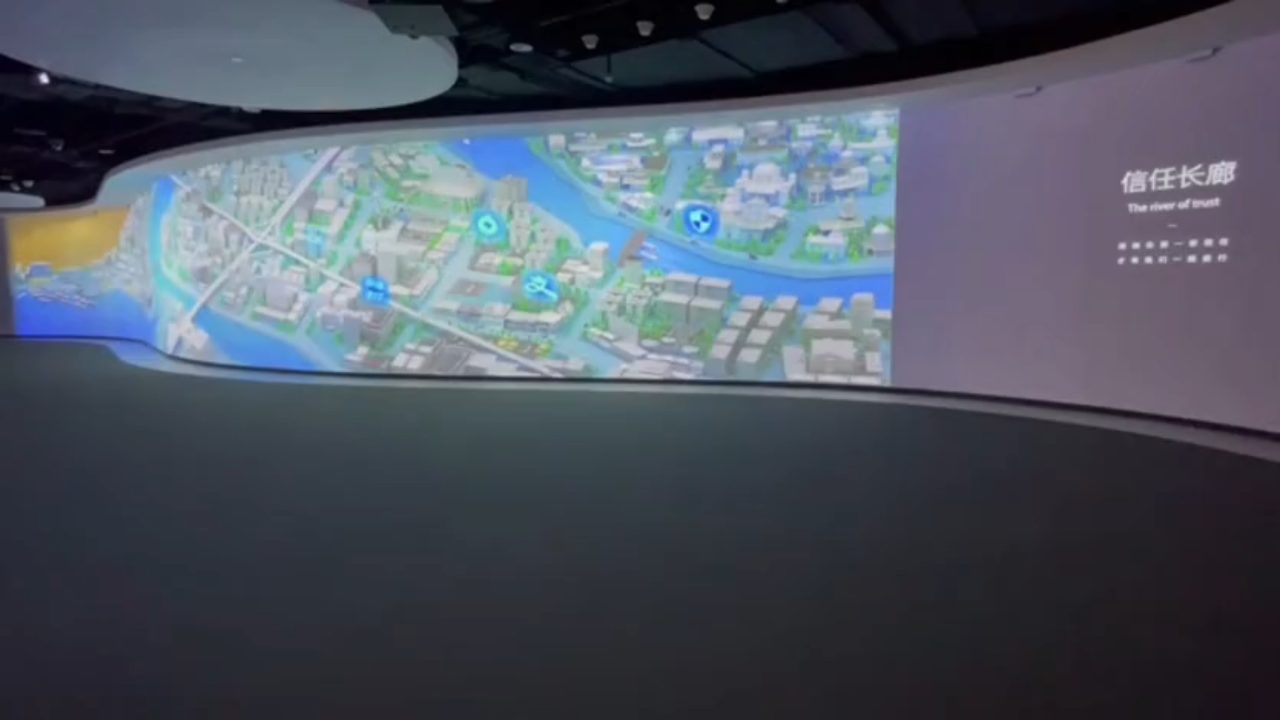
Choose interaction around the surface
An exhibition display does not have to be a rectangular wall. Curved architecture, table surfaces, glass panels and irregular geometry can each become part of an interactive experience.
Surface shape, material, usable area and camera placement all affect the configuration. We review these project details before recommending hardware and calibration arrangements.
Four Special-Shape Application Demos
Curved-Surface Interaction
Explore interaction on a curved projection surface.
Interactive Desk Surface
See how a desk surface becomes an interactive display.
Glass-Surface Interaction
Explore a glass-surface interactive application.
Irregular-Surface Interaction
See interaction applied to an irregular surface.
Hardware and Software Integration
The Gloview touch system combines a laser emitting device with a sensor camera. The camera reports interaction coordinates to the computer; compatible software responds and the display presents the result.
- Software communication: HID, mouse and TUIO protocols. Confirm that the application supports the required interaction and multi-touch input.
- Calibration: automatic, manual and four-point calibration options, selected for the installation.
- Interference handling: static masking, dynamic masking and reflection-point rejection. Site conditions still need assessment.
- Sensor optics: six sensor-camera lens options covering a ratio of 0.15–1.36. These are sensor lenses, not projector lenses.
- Camera-to-computer transmission: up to 100 m via network cable or optical fibre, with the appropriate transmission configuration.
- Multi-screen interaction: up to six linked screens using multiple hardware sets, with 30 simultaneous touch points across the whole system, not 30 per screen.
Projection alignment, image warping and content design must also suit the surface. Touch calibration aligns the interaction coordinates with the displayed content.
Select the Right Touch Series
| Series | Positioning deviation | Touch latency |
|---|---|---|
| F Series · finger touch | ≤5 mm under ideal conditions | <30 ms |
| T Series · palm touch | ≤2 cm | <30 ms |
| P Series · palm touch | ≤3 cm | <100 ms |
Manufacturer specifications. Touch latency excludes game, application and display response time. Final series selection depends on the intended interaction, surface and installation conditions; these figures are not a guarantee for every geometry.
Tell Us About Your Installation
- Surface dimensions, material and shape, with photos or drawings.
- Projection or display arrangement and available sensor mounting positions.
- Required actions: selecting, dragging, writing or multi-user interaction.
- Software platform and supported input protocol.
- Ambient lighting, reflective objects and camera-to-computer cable distance.
Send these details so we can recommend a suitable configuration and identify installation points that need testing.
Frequently Asked Questions
Which surfaces can be used?
Curved surfaces, desks, glass and irregular surfaces can be considered. Send the surface dimensions, material, geometry and installation photos so we can assess the configuration.
Does this require a CAVE room?
No. A special-shape installation can be a single curved display, table, glass panel or irregular surface. Room-scale CAVE projects are a separate application.
How does the system connect to software?
The touch system communicates with compatible software through HID, mouse or TUIO protocols. Multi-touch support depends on the selected protocol and the application.
Can every project use the same accuracy and latency specification?
No. Specifications depend on the selected hardware series and installation conditions. F Series positioning deviation is no more than 5 mm under ideal conditions; T Series is no more than 2 cm and P Series no more than 3 cm. F and T touch latency is below 30 ms; P is below 100 ms. These latency figures exclude game, application and display response time.